
eReporting
Printing, stuffing envelopes and chasing stamps is time nobody has spare. Greentree's eReporting automates the distribution side of your paperwork — invoices, statements, remittances and purchase orders go out by email, fax or post straight from the system, at the push of a button.
Key Benefits
- Automatic distribution of invoices, statements and remittances
- Lower postage, stationery and staff time costs
- Delivery method set per customer or supplier
- Company-wide email and fax preferences
- Fully customisable document layouts
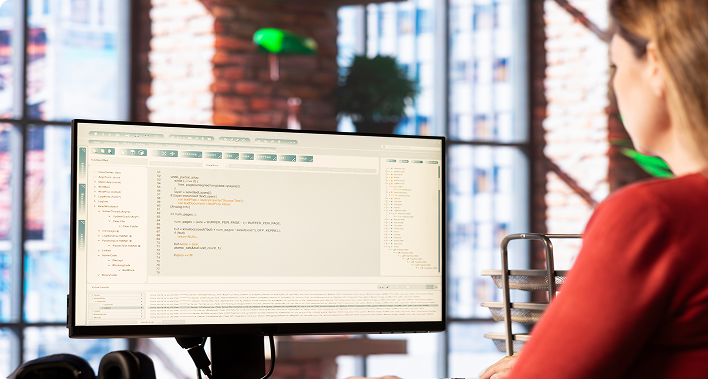
Every Document, Sent the Way Each Partner Wants It
eReporting sends invoices, statements, remittance advices and purchase orders straight out of Greentree to customers and suppliers by email, fax or post. Each user can choose from a range of output formats — Adobe PDF, HTML, JPG or PNG — depending on what the job calls for.
A Quick Payback on Postage and Staff Time
eReporting tends to pay for itself quickly once you add up what monthly mailings actually cost in postage, stationery and staff time. Cutting that cost frees up the same staff to spend more time looking after customers instead of stuffing envelopes.
Delivery Tailored to Each Customer and Supplier
Greentree automatically formats, processes and delivers business documents — accounts receivable invoices and statements, accounts payable remittances, purchase orders and payslips among them. Delivery follows whichever format is set for each customer or supplier, and each delivery method can carry its own document layout, so you’re never stuck with a one-size-fits-all design.
Remittances and Statements Off Your Desk
eReporting cuts out most of the manual work behind printing and posting invoices, monthly statements and remittance advices. Each trading partner nominates how they’d like to receive their documents, and when the print run executes, everything is routed automatically to the right email, print or fax queue.
One Set of Email Preferences, Used Everywhere
System-wide email and fax preferences mean nobody has to set mail server details, reply addresses or report formats each time a document goes out. Once the preferences are configured, every emailed report uses them automatically.
Faxes That Arrive With the Right Cover Page
When a fax goes out through eReporting, a cover page is generated automatically with the sender’s and recipient’s details, the page count and any relevant comments — no manual cover sheets required.
Layouts Built Around How You Do Business
Greentree’s Report Designer lets you tailor any eReporting document to match your own and your trading partners’ requirements, so the information that goes out is always clear, relevant and in the right format.
Less Paperwork, More Time for Clients
Taken together, eReporting takes the manual, repetitive side of document distribution off your team’s plate — freeing up time that’s far better spent talking to customers and suppliers than printing, folding and posting to them.